

FBOX ONE.
FBOX ONE is an all-in-one photo booth. The camera, screen, computer and printer share a single housing.
Guests operate the booth themselves using the touchscreen.
From €4,245.00 excluding VAT*
From €5,221.35 including VAT
MiniPC version with printer, excluding photo booth software and optional extras.
Key specifications
- Camera
- Canon R100 with an 18–45 mm lens
- Printer
- Citizen CX-02
- Touchscreen
- 17-inch Full HD (1920 × 1080 px)
Take a closer look at FBOX ONE
FBOX ONE in action
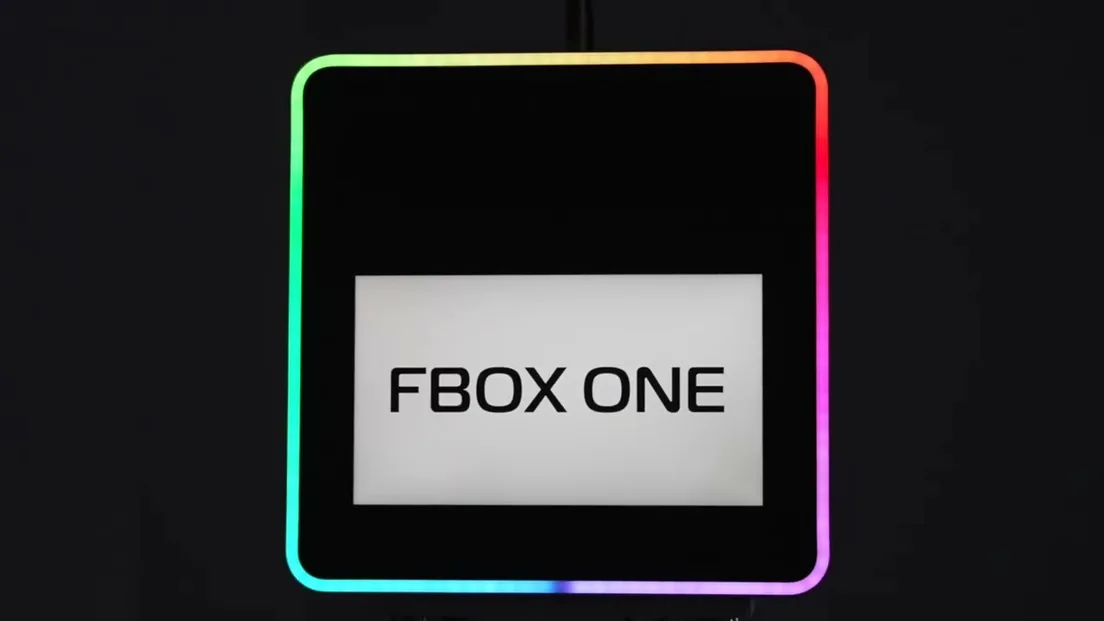
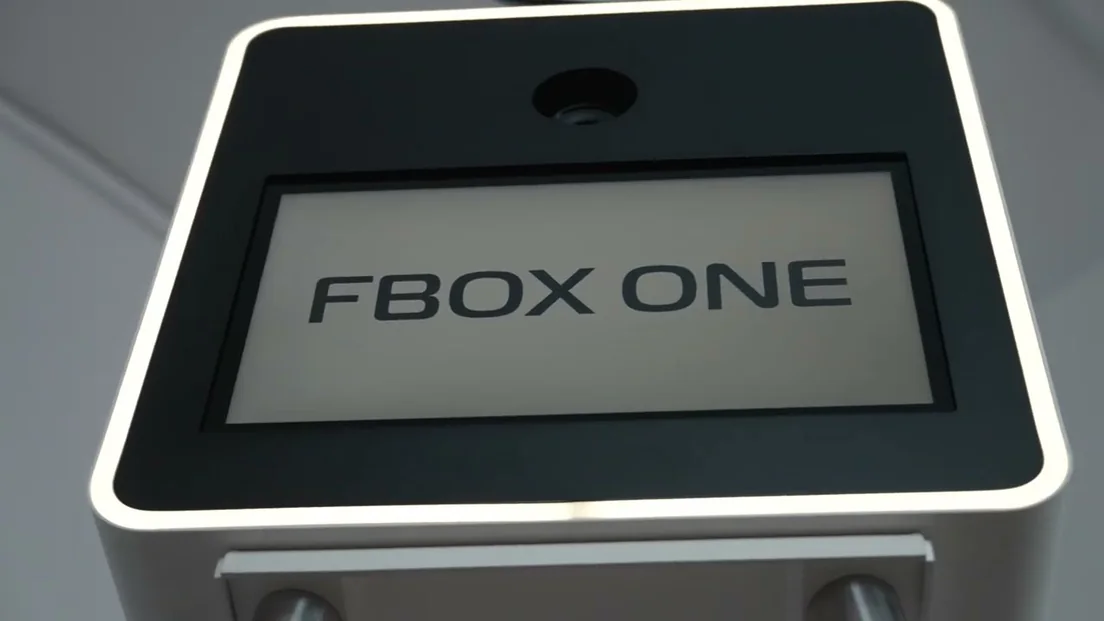
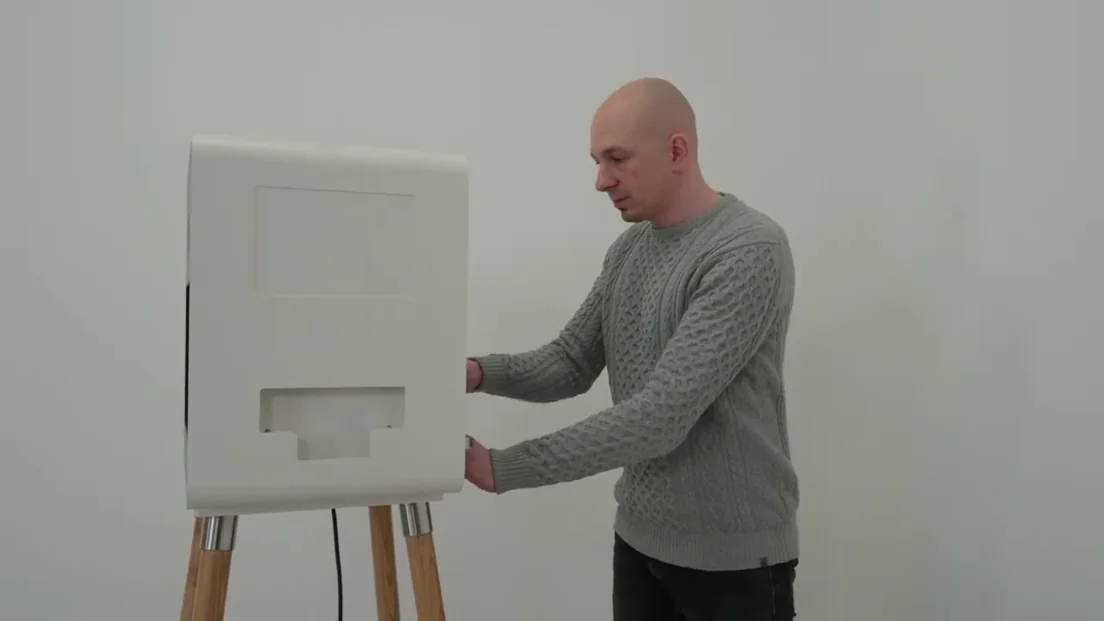
Standard configuration
| Component | Equipment or specification |
|---|---|
| Camera | Canon R100 with an 18–45 mm lens |
| Printer and starter media | Citizen CX-02 on a slide-out shelf inside the housing. One full load of media is included. |
| Computer | NUC computer running Windows 11 Pro |
| Touchscreen | 17-inch Full HD (1920 × 1080 px) |
| Lighting | Flash with a beauty dish and interactive RGBW lighting around the front panel |
| Assembled equipment weight | 52 kg — complete with printer and starter media |
| Made-to-order options | We can fit a tablet or an illuminated logo to the side of the housing on request. |
| Power supply | 230 V AC / 50 Hz; 5 m cable |
Additional configuration information
Average power consumption is 190 W. It can briefly reach 600 W when printing and recharging the flash.
Starter media comprise one full printer load: 200 prints at 15 × 20 cm or 400 prints at 10 × 15 cm. In strip mode, 400 prints at 10 × 15 cm are cut into 800 strips at 5 × 15 cm. These are alternative ways of using the same media set.
Software and options
As standard, the device is sold without software for running photo booth sessions. The RGBW lighting is controlled by our SmoveLED software; its perpetual licence is tied to the equipment sold and transfers to a new owner with it.
DSLR Remote Pro
You can order FBOX ONE with DSLR Remote Pro as a paid option. We install and activate the software before handover; the licence is purchased for the customer's account or email address. We agree the interface language with you.
This option includes interface preparation and a pack of approximately 400 original SMOVE print templates for different occasions at no extra charge. You can modify the templates and use them in photo booth services under the pack's licence.
LumaBooth
If you choose LumaBooth for Windows (dslrBooth), SMOVE installs the trial and provides purchase instructions. You choose the plan and buy the subscription yourself.
Optional external button
An optional external button starts a session or takes a photo. We agree how it will work with your chosen software.
Use and preparation
- Start the session on screen
- Take the photo
- Print according to the settings
Guests start and operate the session on the touchscreen. Printing depends on the configuration: automatically or after the guest approves the photo. Taking and printing photos does not require an active internet connection.
Positioning the photo booth
Leave clear space within a 1 m radius of the device’s centreline so the printer can slide out and the media can be changed easily. People being photographed should stand about 2.5 m in front of the photo booth.
Setting up after delivery
For transport, disconnect the FBOX ONE flash, unscrew the legs and detach the base to which they are fitted. The camera and printer can stay inside the body. They can be removed to reduce the weight of the body and make it easier to carry.
Instructions are supplied with the equipment. After courier delivery, the customer places the camera and printer in the body, connects them correctly, loads the media and connects the power cable. A switch on the enclosure starts the device. For remote training, once the computer is running the customer connects it to Wi-Fi so that SMOVE can access it via remote desktop.
Collection, warranty and support
Collection and shipping
You can collect FBOX ONE from SMOVE by prior arrangement. We provide training and hand over the equipment at collection. We can also send the booth by courier on a pallet, insured for the full value of the equipment.
Warranty
- For businesses
- 12 months
- For consumers
- 24 months
Support
- When purchased directly from SMOVE
- 12 monthsThe first period is included at no extra charge.
Full warranty and support terms
SMOVE provides the warranty for the complete device, including its components: 12 months for businesses and 24 months for consumers.
When you buy a photo booth directly from SMOVE, the first 12 months of support are free. A further 12 months can be purchased for PLN 1200 excluding VAT. For equipment bought through an intermediary, a 12-month support package costs PLN 1200 excluding VAT; unless this is a renewal, training must also be purchased for PLN 800 excluding VAT. Details are set out in the technical support terms.