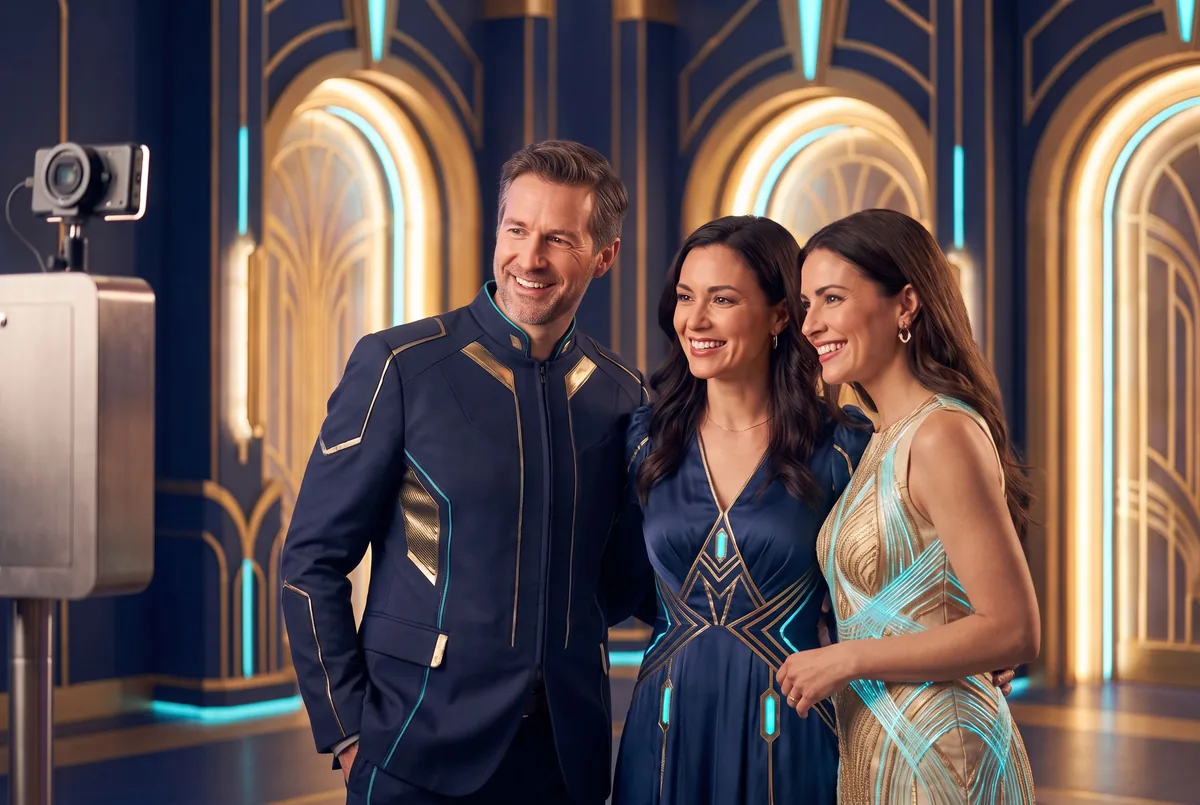
An evening in another world
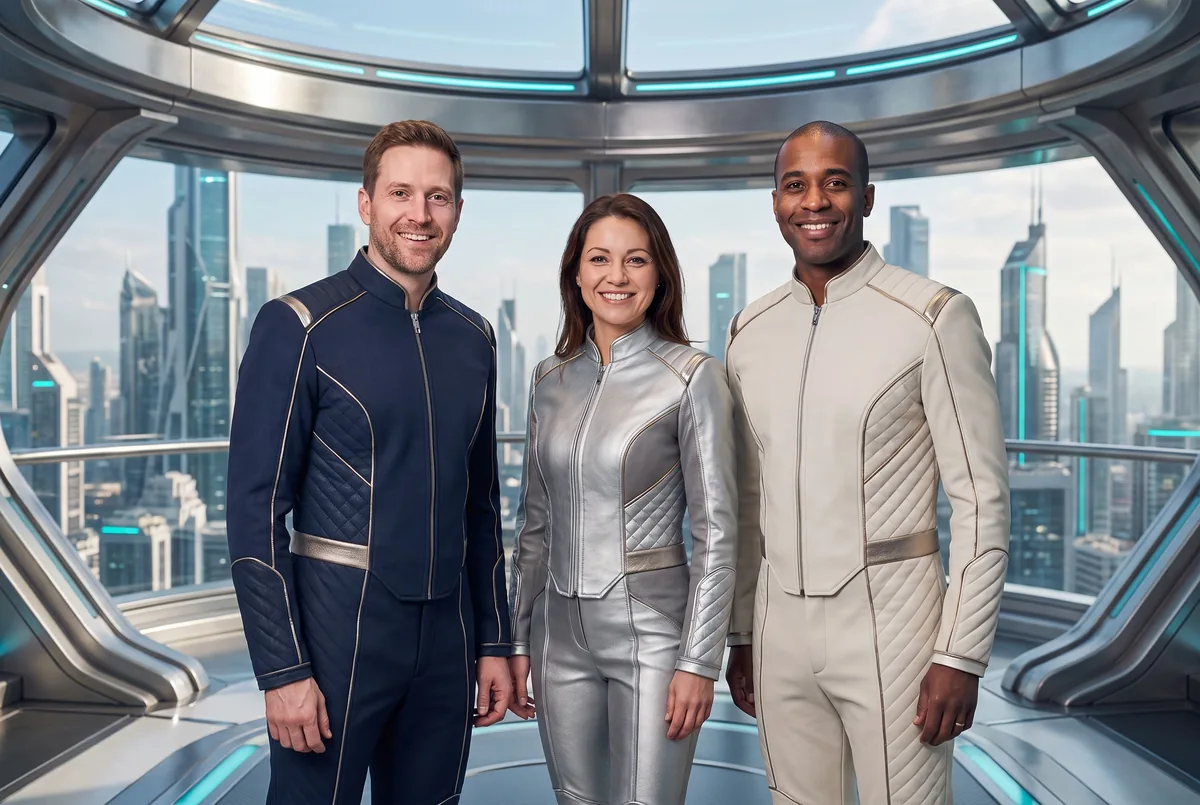
A futuristic setting for a company evening or special event. We adapt the photo style to the event's theme.

SMOVE + DROPAI
Your guests. A new setting.
Turn a photo into a portrait from another world. Combine SMOVE equipment, DropAi effects and a concept tailored to your event.
See how it works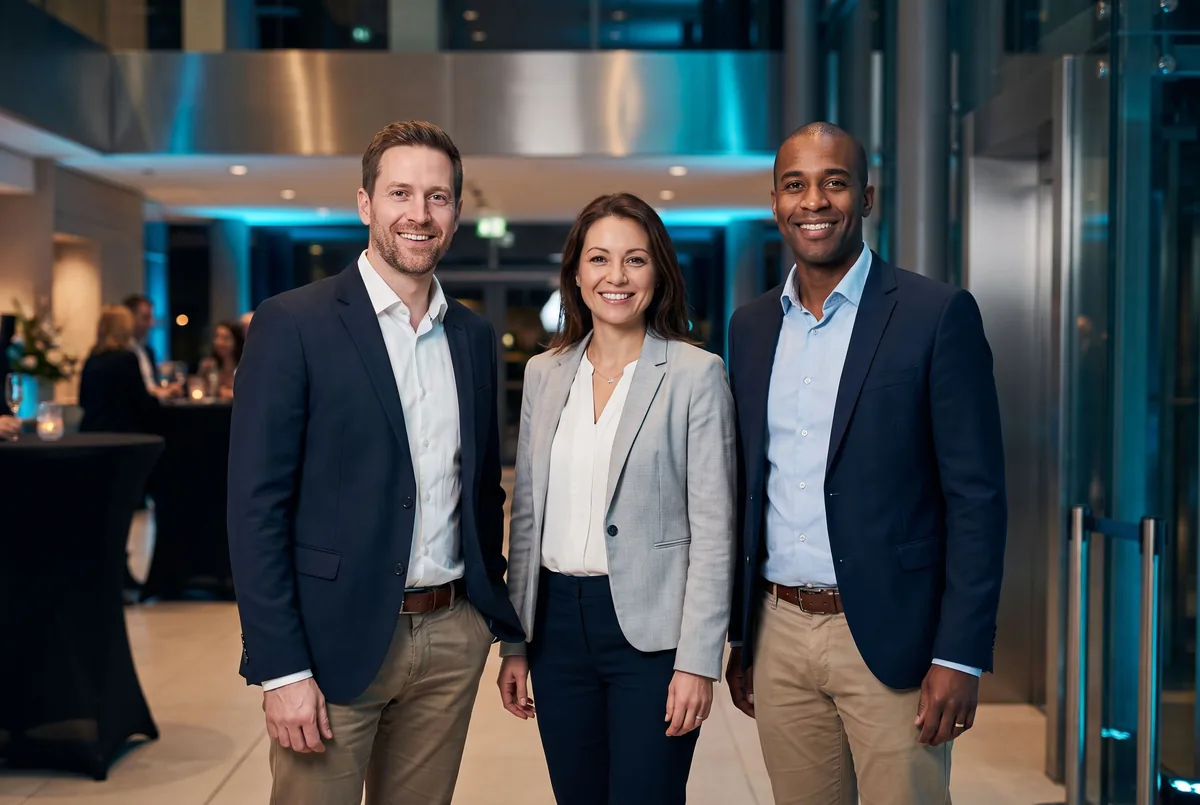
AI demonstration with fictional characters.
FROM PHOTO TO POSSIBILITY
An AI photo booth takes a photo, then transforms it in the chosen style. Guests can see themselves in a futuristic setting, at a glamorous premiere or in an illustration inspired by your brand. We choose the effect and session format to suit the event.
AI effects work with SMOVE photo booths, including booths you already use at events. The operator can choose a theme in DropAi and try it on a sample photo.
You can suggest a single theme, a choice of effects or your own campaign idea. How the session is prepared depends on whether you are photographing an individual, a group or visitors to a permanent attraction.
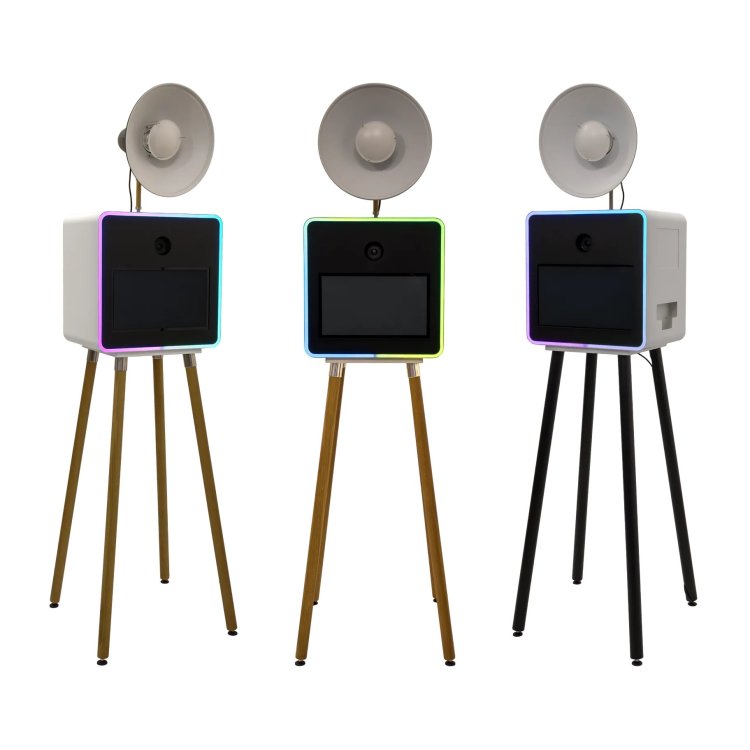
All SMOVE devices support AI. Choose a photo booth or enclosed booth that suits the location and type of photography, and we will select the software, DropAi integration and effects. This applies to catalogue models and bespoke installations.
Already have a SMOVE photo booth? Tell us the model, the software you use and your version of Windows. The DropAi app works with Breeze DSLR Remote Pro or dslrBooth. It sends the photo and returns the finished image to the booth software.
With a new booth, you can choose the themes and how guests receive their photos. If your event needs a custom interface, we’ll work out its design and features with you separately.
Choose your SMOVE deviceHOW IT WORKS
Choose a theme before the event. Take a photo during the session to see it in action.
Choose a style in DropAi or create your own theme. Adapt the description, available settings and intended result to the event. Test it using a photo from the actual station to assess framing, lighting and the number of people.
Guests pose in front of the booth. Make sure everyone’s face is well lit and clearly visible.
The DropAi app sends the photo to the portal. Once the chosen effect has been applied, the finished photo returns to the booth software.
Guests can follow a link or scan a QR code to download the photo to their phone. If the booth offers printing, its software can also add the photo to a print template.
SEE THE TRANSFORMATION
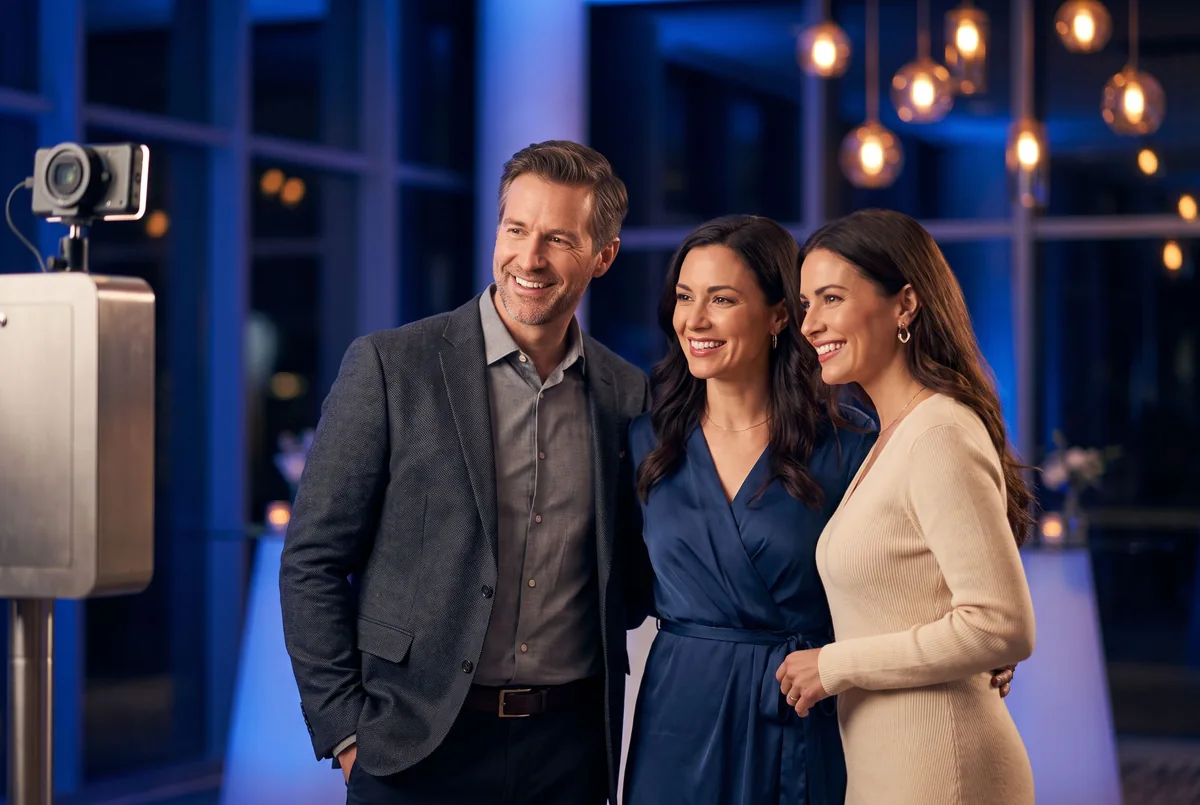
Move the slider to compare the original photo with the effect. Each pair shows a different direction, from an elegant branded setting to an adventure inspired by a visitor attraction.
A futuristic setting for a company evening or special event. We adapt the photo style to the event's theme.

Move the slider to see the scene change. The red border and SMOVE logo show how a branded print template could look.
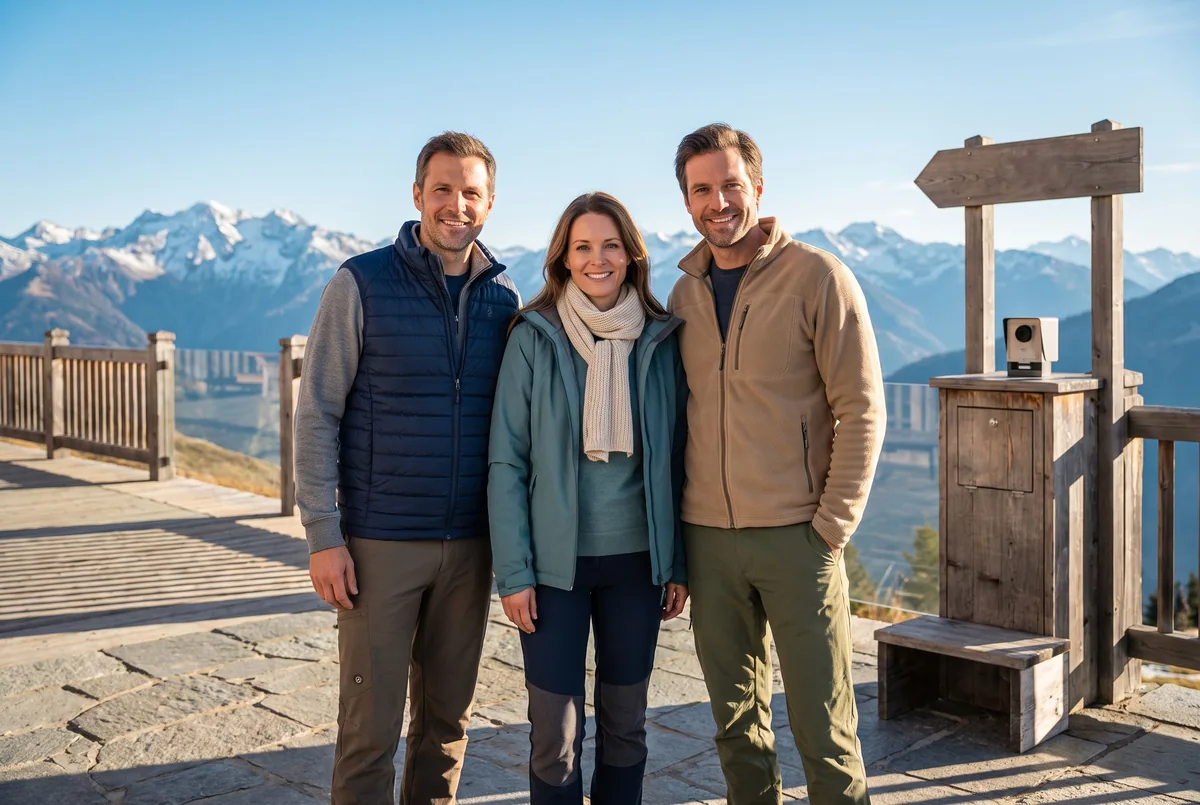
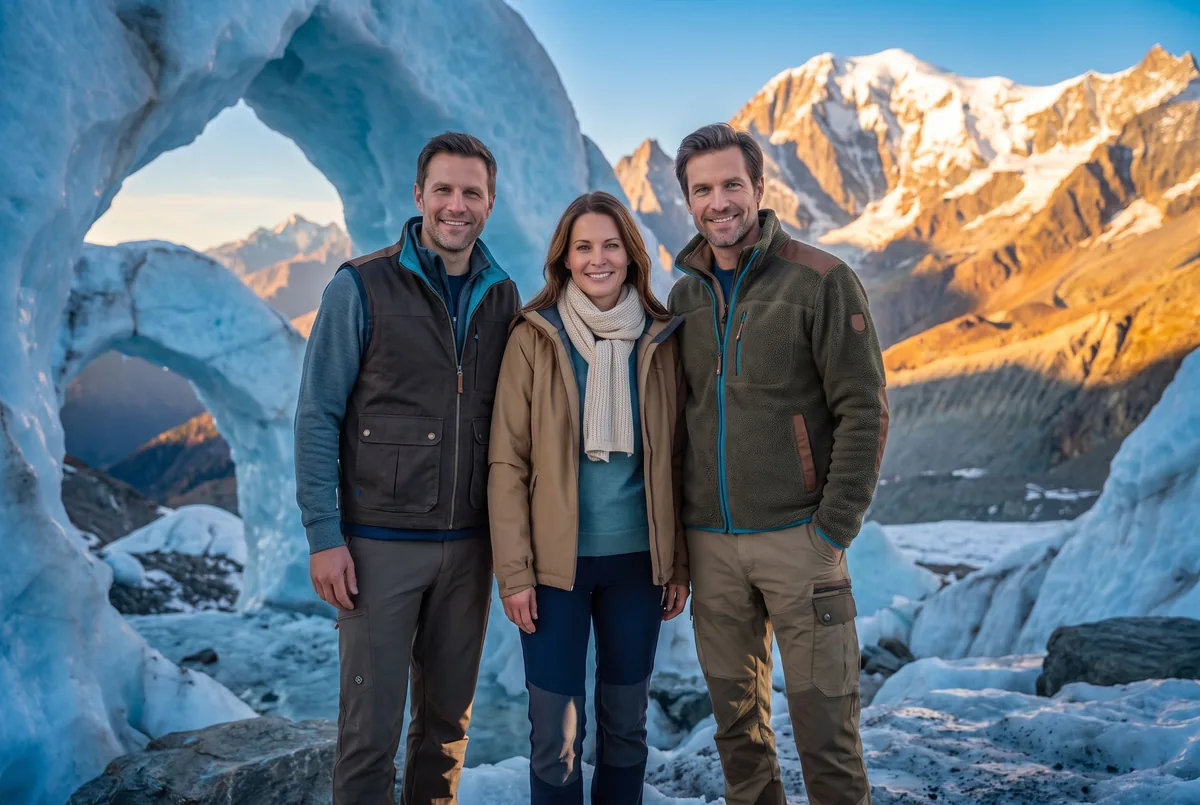
A mountain expedition, a fantasy world or a theme unique to the attraction. These are some of the photos guests could take home from their visit.
AI demonstrations with fictional characters. These illustrate possible results; available effects are selected in DropAi.
More examples in DropAiYOUR EFFECTS IN ONE PLACE
DropAi is our portal for photo processing and AI effects. Operators use it to choose and prepare themes, check results and configure how they are shared.
Browse effects and example photos in DropAi. Choose a theme, adjust the settings and test it with a photo from your booth.
The editor lets you write an effect description and configure the options available for the chosen model. Your own theme can match an exhibition, event concept or attraction's style. You can check the result before making it available to participants.
The finished result has a preview and download page. You can add your logo and message, then give guests a link or QR code. We agree how the result is shared alongside the photography process and station operation.
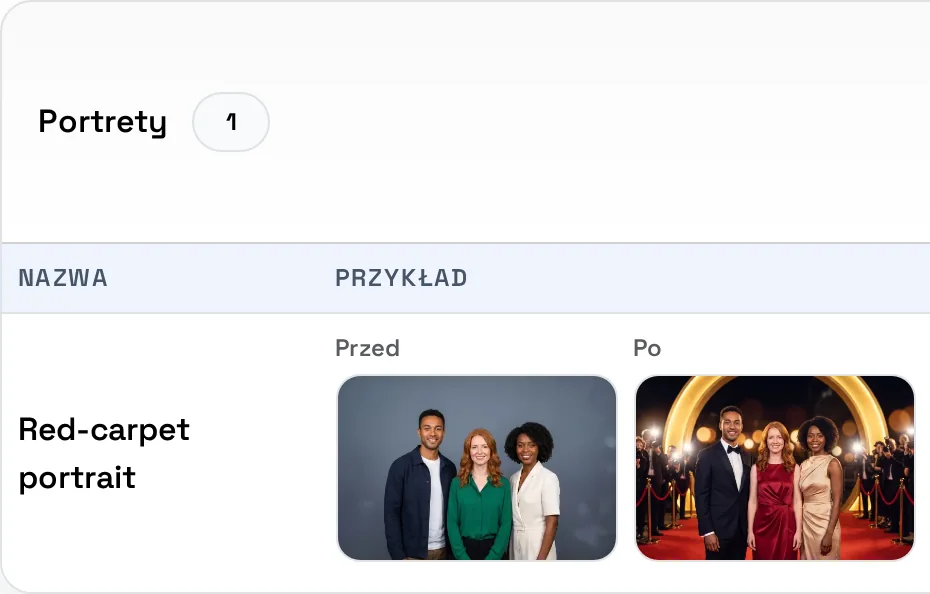
The portal views show demonstration data.
TAILORED TO THE OCCASION
The theme of a gala, anniversary or team event can appear on the booth and in guests' photos. We will adapt the effects and on-screen messages to match.
At trade fairs and promotional events, photos can refer to a product or campaign. Together we will choose the booth's appearance, setting, effect and photo collection page.
A glamorous premiere, illustration or fantasy setting can complement your celebration. The operator chooses a theme to suit the participants and the photography setup. For group photos, it is worth testing with the intended number of people and checking that faces and the overall composition are clear.
Photos can draw on a museum exhibition, a park's theme or the landscape around a viewpoint. We will adapt the device design and session flow to the location, supervision and expected visitor numbers.
ADD MOVEMENT
DropAi can also create short videos from an image. A portrait becomes the starting point for a moving scene that participants can view and download from the result page. Available durations, aspect ratios and settings depend on the selected video model.
We plan the video workflow separately to suit the attraction's configuration. BreezeDroplet and DslrBoothDroplet receive image results in the photo booth software. For video, we prepare a suitable way to start generation, wait for the result and share the clip. Image and video generation are two separately charged stages to account for in your event budget.
Explore video optionsBESPOKE DESIGN
Have an idea for your own AI attraction? We can design a station with a custom enclosure, screen and session flow. We will match the photo effect to your brand, exhibition, event or location.
We will agree how guests choose a theme, take a photo and receive the result. If the installation needs to work with another system, we will check its capabilities and data exchange before defining the work involved.
Start by describing your idea, location, participants and planned date. You can add visual references and explain how you want the attraction to be operated. We will propose a configuration for an existing station or a design for a new device.
PREPARING THE STATION
We first establish who will use the photo booth, what result they should receive and how they will collect their souvenir. We then bring the equipment, software and effect together in one configuration. A practical trial checks photo capture, processing, the finished result and access to the file from a participant's phone.
AI runs through an online service, so the project needs a stable internet connection. Computer settings, integration with the photo booth software, and a prepared DropAi account with credits also matter. When planning the event, we consider how long guests will wait for the result and how that wait is communicated.
For a bespoke installation, we agree the mounting location, service access and staff responsibilities. The project may include the enclosure, interface, lighting and connections to other parts of the attraction.
Yes, including older SMOVE photo booths. We’ll check your booth software and Windows version to find the right way to connect it to DropAi.
Yes. Send us the booth model, the name and version of its software, and an example of the effect you want. We’ll check what you need to get started.
Yes. The booth needs an internet connection to send photos to DropAi and receive the finished images. Test the connection where you’ll set up the booth before the event.
In DropAi, you can create your own effects and add a logo and message to the result page. SMOVE also develops projects tailored to a brand, location or event concept, including the equipment format and the way visitors use the attraction.
Yes. If the booth has a printer, its software can place the AI photo in your chosen print template. Guests can also download a digital copy.
In a sample of 92 photos on 22–23 November 2026, half of the finished files were available in DropAi within 12 seconds of the request being received, and 90% within 18 seconds. Allow extra time to upload the photo from the booth and download the result. Timing also depends on the effect and how busy the service is.
DropAi shows the cost before you submit a photo. On 24 November 2026, for example, one 1K image with Nano Banana 2 cost 0.1675 credits, or 16.75 credits for 100 photos. A pack of 50 credits cost USD 61.50 including tax. Other effects and videos have their own rates.
Yes. Describe your idea, the location and how participants should use the attraction. We can design the equipment, interface and session flow, and select effects and integrations. We will prepare a solution that meets the agreed scope.