

Photo systems for museums and indoor spaces
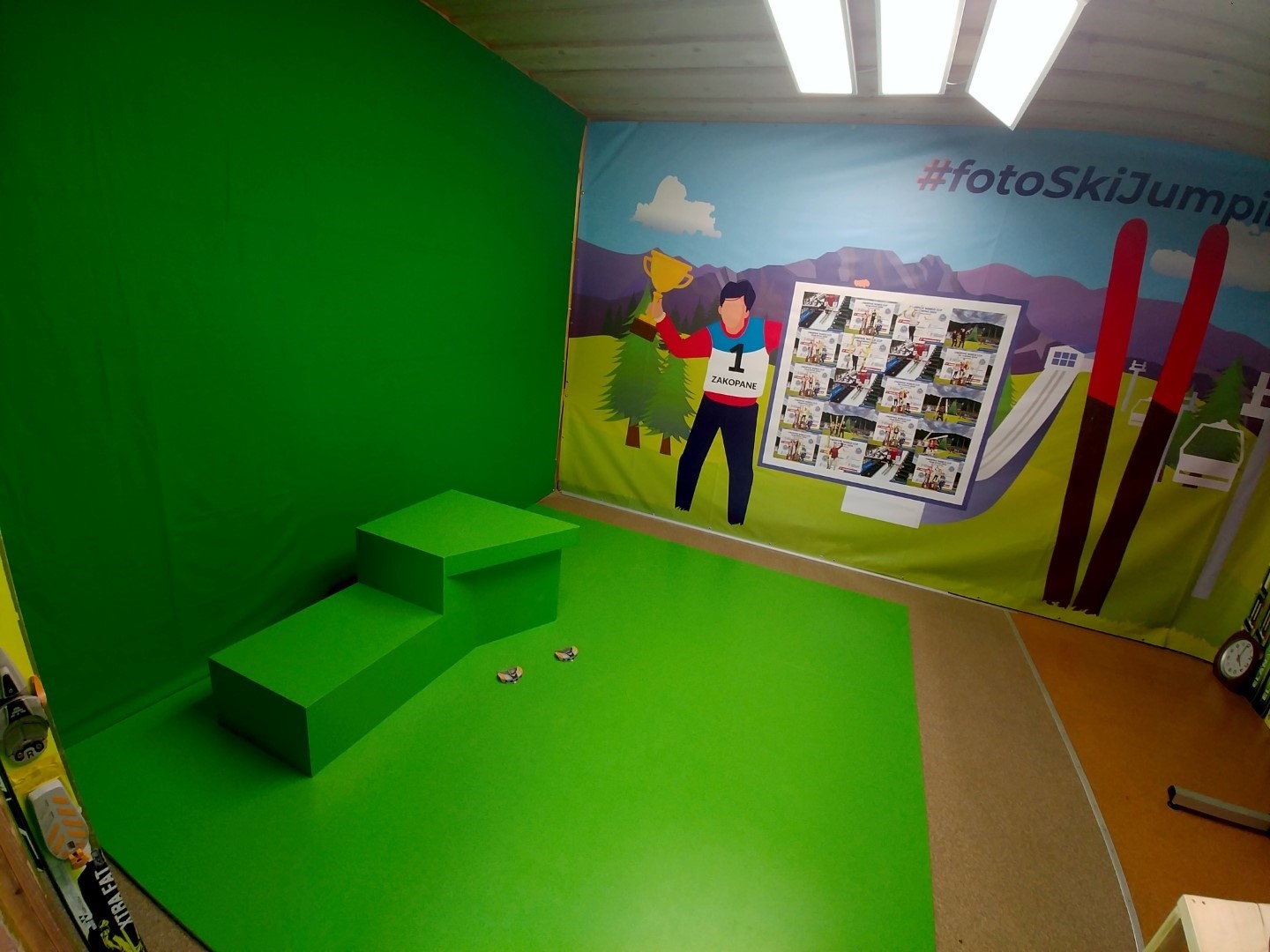
We design installations where guests can have their photo taken in a setting related to a museum or park. We adapt the scene and photography to the space and plan how photos are previewed, selected and collected.
A photo linked to the exhibition
The starting point is the venue's theme and the experience you want to offer visitors. Together, we define the photographic scene and its role in the visit.
Set design and framing
We tailor the camera position and composition to the interior and set elements. The scope of decorations, backgrounds and structures is agreed with the client.
Session flow
We establish who starts the photography and how guests move through each step. Controls and the role of staff are tailored to the installation's scenario.
Indoor lighting
We select lighting to suit the scene and room conditions. Camera, light and other equipment positions are included in the station design.
Photo preview and selection
We design how photos are displayed and selected before collection or purchase. The photography station and sales point can have separate roles in the service workflow.
Print and digital delivery
A photo can be available as a print or a digital souvenir. We define the artwork, formats, sharing methods and file availability periods for each project.
Location and operation
We consider station positioning, power, connections and service access. Operating arrangements and staff responsibilities are planned alongside the visitor journey.
World Of Ski Jumping
For World Of Ski Jumping, we prepared a photo station where a host led the session. At a separate point, staff presented the photos and sold prints with QR codes for the digital versions.
SMOVE prepared the equipment, software, mounts, interface graphics and print template. The client built the set and green background.
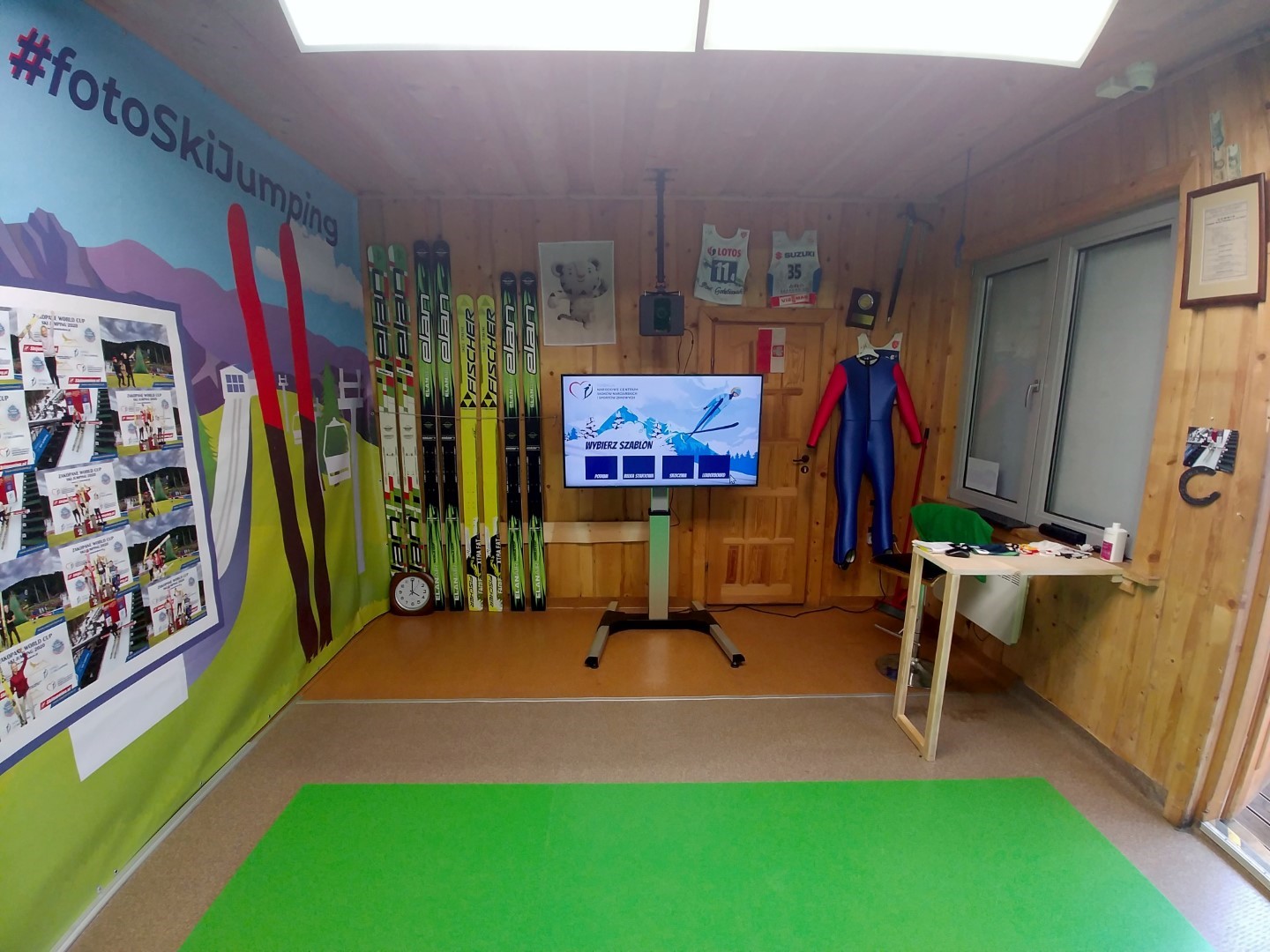
World Of Ski Jumping: view of the photographic installation room
World Of Ski Jumping: set with a platform against a green background
World Of Ski Jumping: screen in the installation room
- Setting and photo
- preview and selection
- print or digital delivery